
Keeping your personal information up to date ensures smooth communication, accurate verification, and secure access to your Acceliqs account. You can manage these details easily from the settings section.
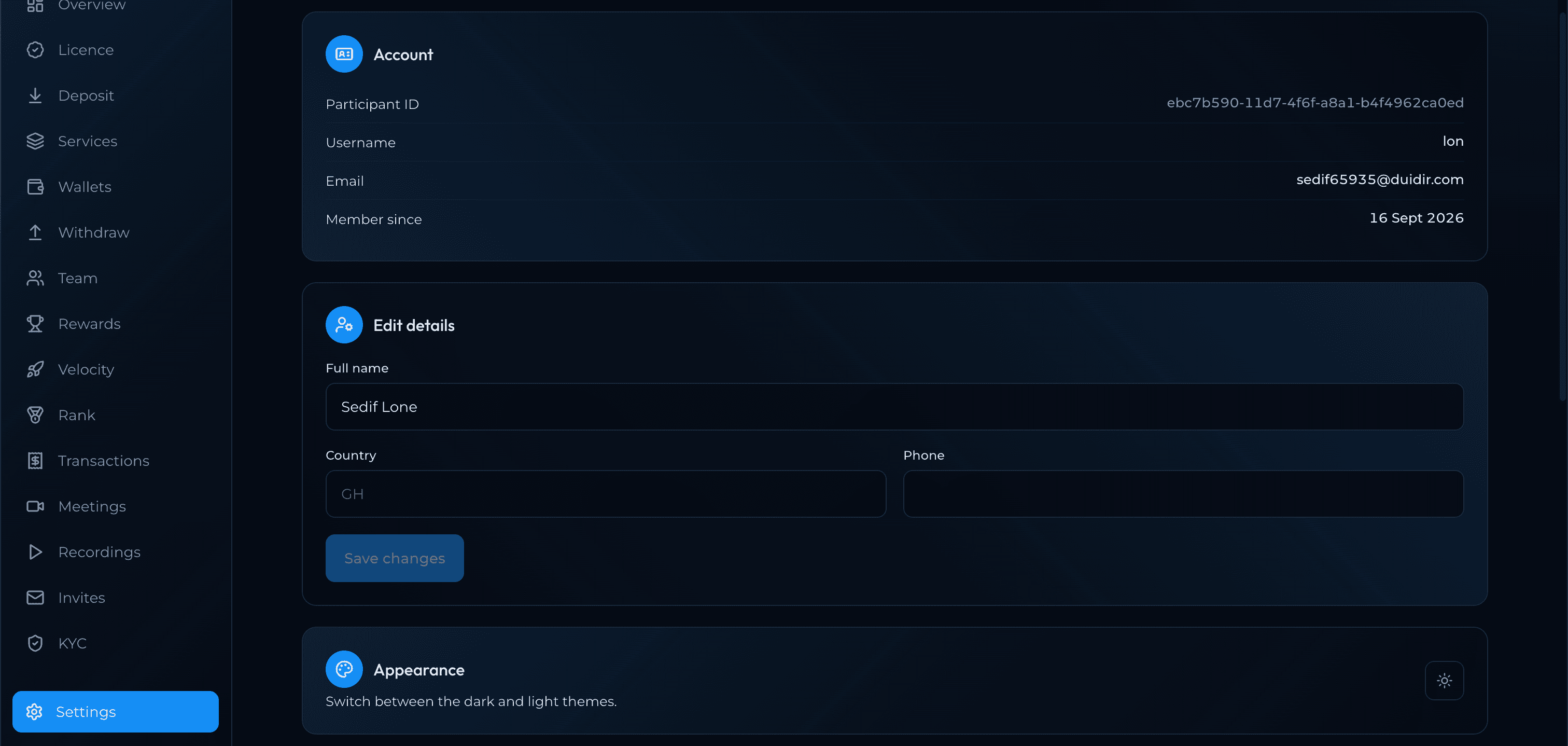
How to Access Personal Information
- Log in to your Acceliqs account.
- From the dashboard, navigate to the settings section.
Information You Can Update
- Your full name
- Country
- phone number
Verification Requirements
Some changes may require you to complete an additional KYC (Know Your Customer) verification step. Acceliqs will guide you through this if necessary.
Pro Tips
- Always keep your email up to date to avoid missing important alerts.
- Use a strong password and change it regularly for security.
- If you suspect unauthorized changes, contact Support immediately.