

Updating Your Withdrawal Wallet
You can update the withdrawal wallet associated with your Acceliqs account from the the Settings page. For security, you must verify the wallet update using your configured Two-Factor Authentication (2FA) method before the new wallet address is applied.
How to Update Your Withdrawal Wallet
- Log in to your Acceliqs account.
- Go to Settings page.
- Navigate to Payout destination section.
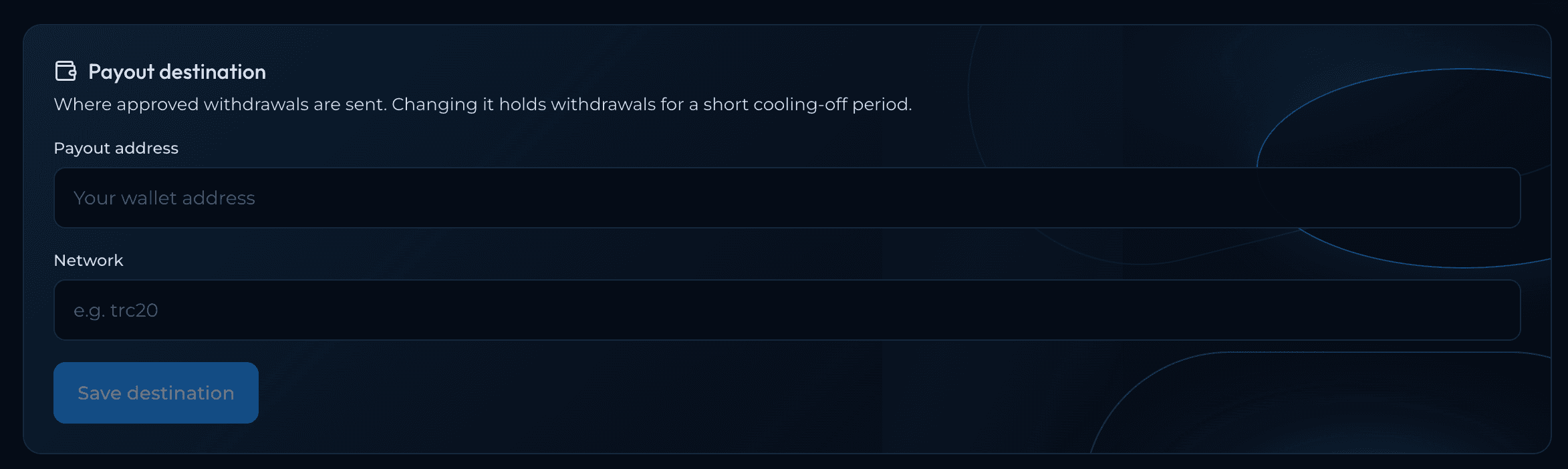
- Enter your new preferred withdrawal wallet address and network
- Review the wallet address carefully to ensure it is correct.
- Click Save Destination to continue.
- You will be prompted to verify the wallet update using your configured 2FA method.
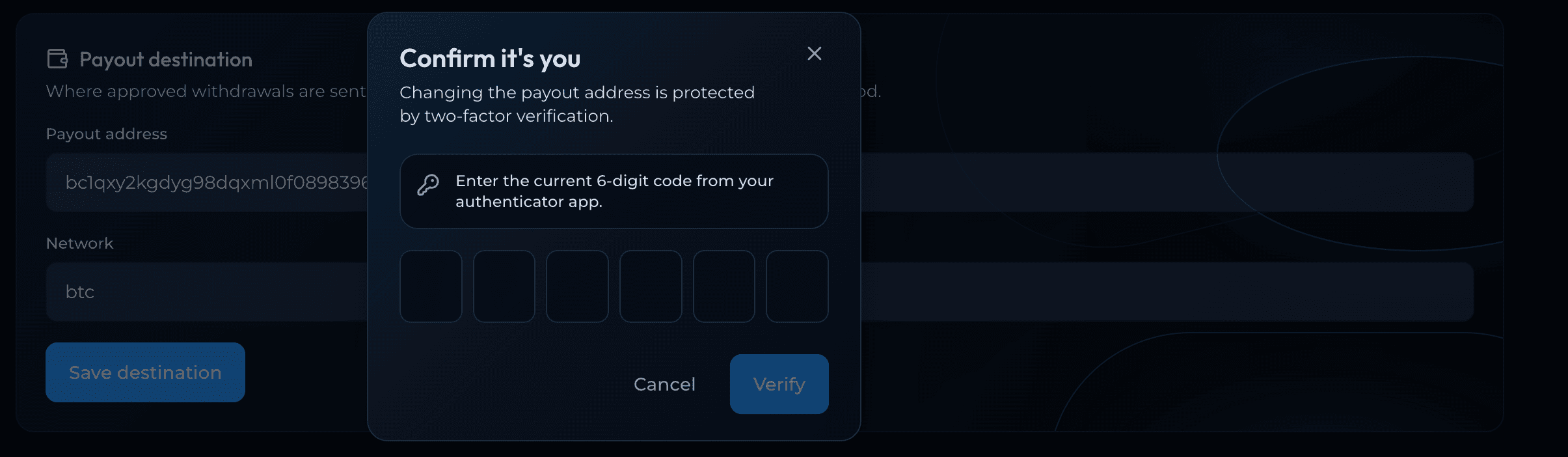
- Enter the verification code generated by your selected 2FA authenticator.
- Once the code is successfully verified, your withdrawal wallet will be updated successfully.
For your account's protection, withdrawals are temporarily disabled for 24 hours after a successful withdrawal wallet update. This security restriction is automatically applied when the wallet update is completed.